

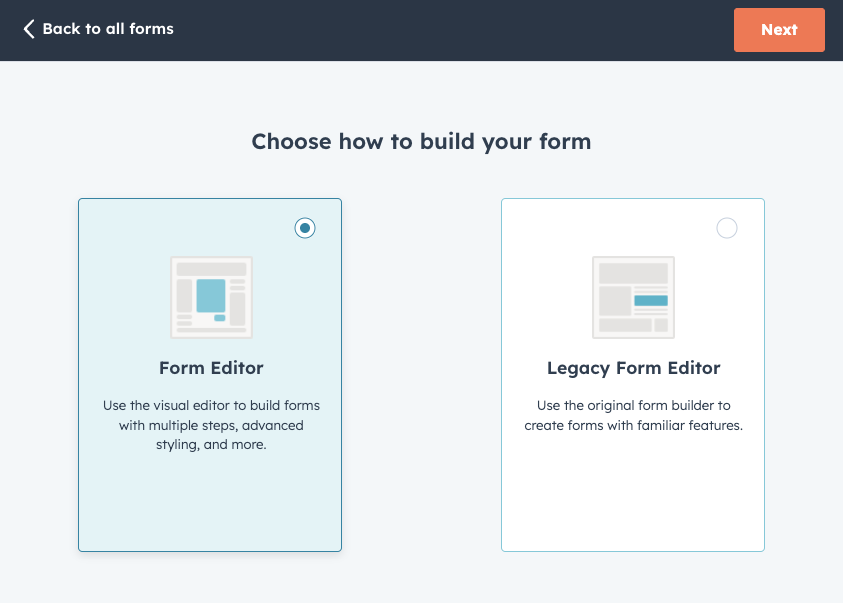
If you’re using HubSpot Forms on your website, you might have noticed there’s now a relatively new form type, allowing for the visual creation of multi-step forms. The old form type we’ve all been using is now labeled as “legacy”:
Note: If you’re working with HubSpot’s older legacy forms, you don’t need to use the v4 method in this article. Instead, check out our step-by-step guide: How to Populate Hidden Fields in HubSpot Legacy Forms with Google Tag Manager.
With v4, the form runs in a different environment, which means the old tricks for filling hidden fields from the page no longer apply. Here’s the exact approach we use to populate hidden fields like UTMs in v4 multi-step forms using Google Tag Manager.
What Our Script Does?
- Finds every active HubSpot v4 form on the page.
- Reads the form’s available field names.
- If a target hidden field exists, sets its value.
- Logs success or a helpful message if the field is missing to the browser’s console.
The Script
- Go to your Google Tag Manager web container.
- Add a new “Custom HTML” tag.
- Name it something along the lines of: “[Script] HubSpot UTM Populator [v4]“.
- Trigger this tag on all pages (or only pages that contain these types of forms).
- Copy the following script and save your new tag:
<script type="text/javascript">
// HubSpot v4 form fields populator - by Terrific Digital
  function populateUtmV4(form, form_fields, param, value) {
    value = value || '';
    param = '0-1/' + param;
    if (form_fields.includes(param)) {
      form.setFieldValue(param, value);
      console.log("✅ Hidden field '" + param + "' was populated with the value of '" + value + "' 😁");
    } else {
      console.log("❌ Hidden field '" + param + "' was not found on the form.");
    }
  }
  var hs_forms = HubSpotFormsV4.getForms();
  hs_forms.forEach(function (hs_form) {
    hs_form.getFormFieldValues().then(function (hs_fields) {
      var hs_form_fields = [];
      hs_fields.forEach(function (hs_field) {
        hs_form_fields.push(hs_field.name);
      });
      console.log('Populating HubSpot v4 Form:', hs_form.getFormId());
      populateUtmV4(hs_form, hs_form_fields, 'PARAMETER_NAME_HERE', 'PARAMTER_VALUE_HERE'); // REPLACE 'PARAMETER_NAME_HERE' AND 'PARAMTER_VALUE_HERE' IN THIS LINE
    });
  });
</script>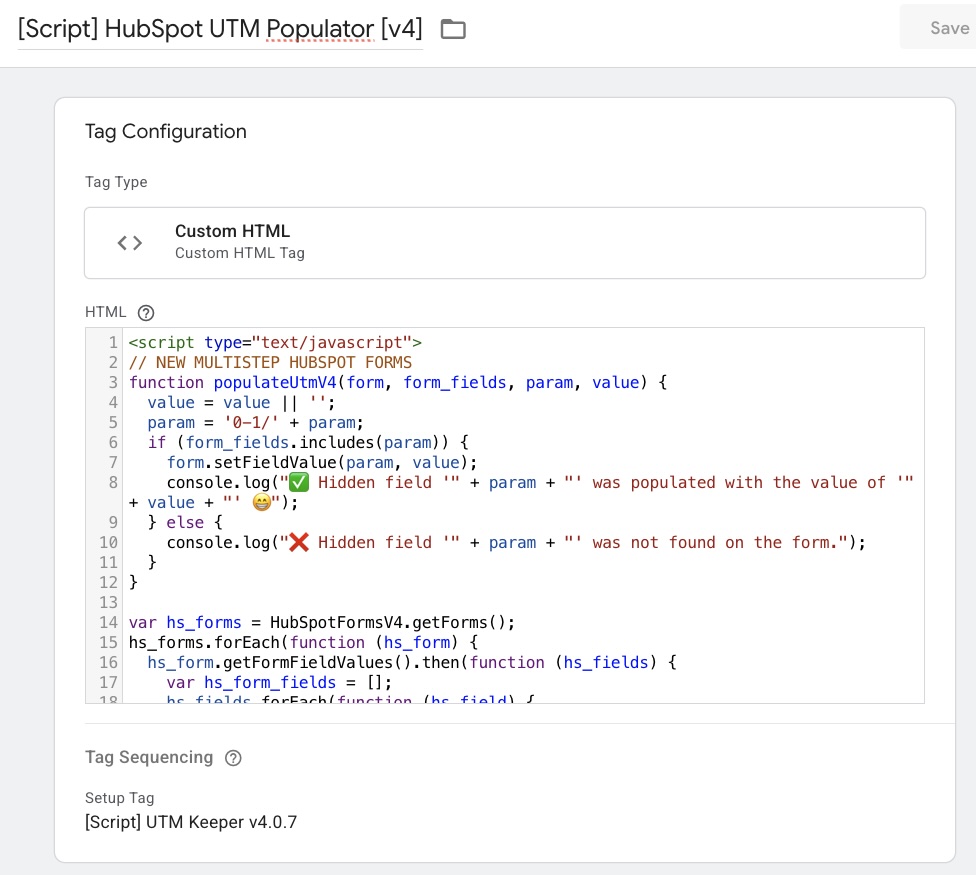
Tips and field-name notes
- Hidden field must exist in the v4 form. If it does not, the console will tell you the field was not found.
- Field names in v4 appear internally with a “0-1/” prefix. Do not type that prefix yourself in GTM. The script adds it for you.
- Populate multiple fields by repeating the call
- Add additional lines like:
populateUtmV4(hs_form, hs_form_fields, 'utm_medium', '{{Query - utm_medium}}');
populateUtmV4(hs_form, hs_form_fields, 'utm_campaign', '{{Query - utm_campaign}}');
Troubleshooting
- Logs say field not found – Confirm the hidden field is added to the HubSpot v4 form and check its internal name.
- Value stays empty – Make sure the GTM variable returns a value on that page and the tag fires after the form is ready.
- Multi-form pages – The script loops through all v4 forms existing in the current page and will populate each one it finds.